Generate High-Performing Ad Creatives with AdCreative.ai in 2026
Short answer: AdCreative.ai for small business ads is an AI-powered creative generation platform that produces multiple ad images, short-form videos, and copy variants from a brand kit and a product photo, formatted for Meta, Google, and TikTok specs. It’s built for teams that don’t have an in-house designer on standby and need several testable creative options fast rather than one polished ad a week.
If weak or repetitive creatives are capping your click-through rate, the fix usually isn’t a bigger budget it’s more tested variations. That’s the gap this category of tool is built to close.
Want a faster way to see if this fits your ad account? Start a trial on AdCreative.ai and run one product through it before committing to a monthly plan.
What Is AdCreative.ai for Small Business Ads?
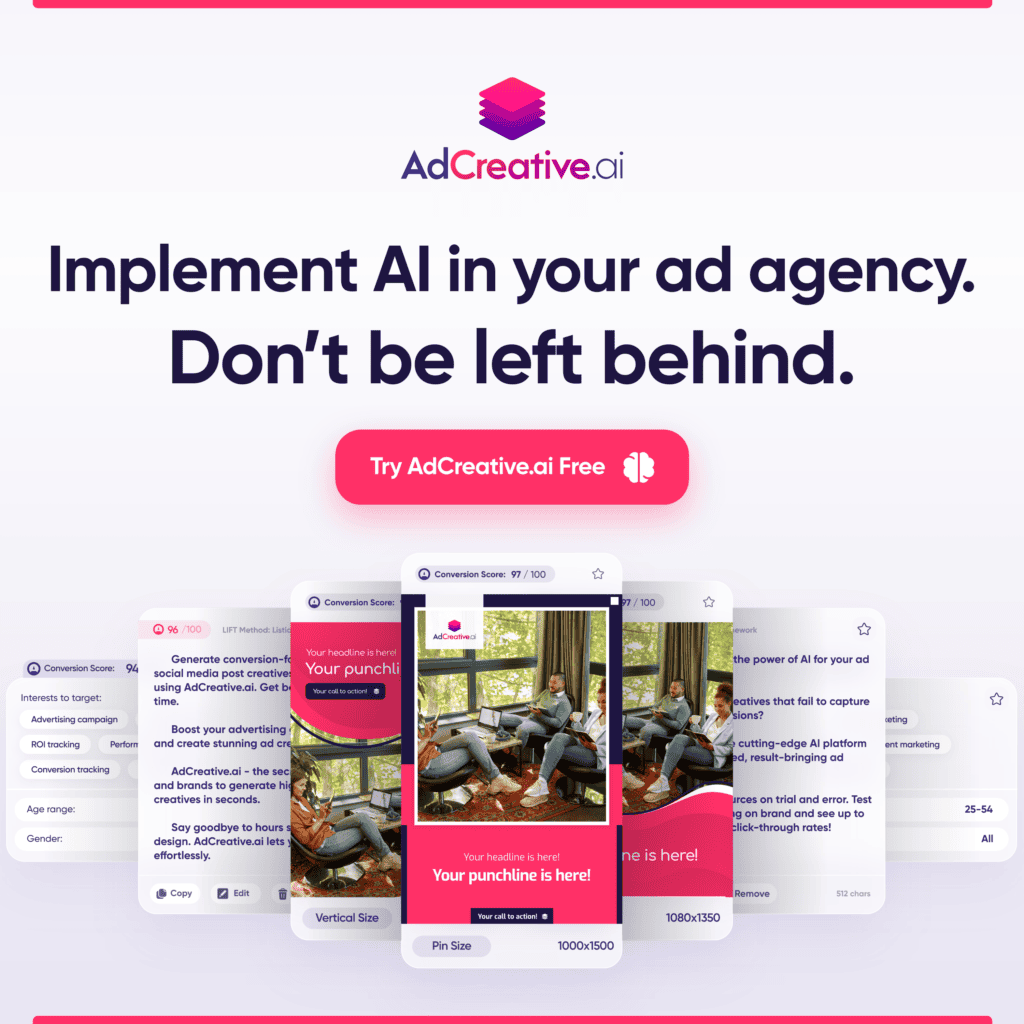
AdCreative.ai is a generative AI platform built specifically for performance advertising rather than general graphic design. Feed it a brand kit, a product photo, and some campaign context, and it outputs:
- Static ad images resized for feed, story, and display placements
- Short ad videos, including templated product and “storytelling” formats on higher tiers
- Ad copy and headlines generated by the platform’s own language model, described by the company as trained on ad-specific copywriting patterns rather than general text
- Creative scores, which rank generated variants before any of them go live
The company reports its scoring model has analyzed a large volume of ad creatives across social and display networks to build out data points per image, and it markets a prediction accuracy figure above 90% for how a creative is likely to perform the platform collects creative content from various social and display platforms and creates over 80 data points per image, using AdCreative.ai’s Creative Scoring AI to predict performance. Treat that figure as a vendor claim, not a guaranteed outcome creative performance still depends heavily on your offer, audience, and landing page.
Ad Creative Problems AdCreative.ai for Small Business Ads Solves
Low CTR and Conversions from Weak Creatives
A single hero image tends to fatigue an audience within days, and platforms increasingly reward accounts that keep feeding fresh variants into the auction. Generating a batch of angle- and hook-varied creatives up front gives an account more to rotate through before performance drops off.
Not Enough Variations to Run Proper A/B Tests
Most small teams test one or two creatives per campaign simply because producing more is slow. AI-generated batches remove that bottleneck the constraint shifts from “can we make more” to “can we evaluate what we already have,” which is where creative scoring tools come in.
Time-Consuming Design and Resizing for Each Platform
Meta, Google, and TikTok each specify different aspect ratios, safe zones, and file requirements. Manually resizing one creative into six formats eats hours that a solo advertiser or micro agency doesn’t have. Platform-native templates handle that resizing automatically.
Key Features for Small Businesses in 2026
Auto-Generated Ad Variants (Images, Video, Copy)
The core workflow generates dozens of creative combinations from one input set. Note that video generation is typically gated to higher-priced plans, so confirm what’s included before assuming a starter tier covers your format needs video creation on AdCreative.ai has historically been locked behind a significantly higher-priced Professional plan, a jump some reviewers flag as steep for video-focused advertisers.
Platform-Specific Sizing and Templates
Creatives are generated pre-sized for the placements each ad network expects, which removes a manual resizing step for every new asset.
Creative Scoring and Insights for Testing
Rather than guessing which of ten variants to launch first, the scoring layer ranks them so testing budget goes toward the creatives most likely to perform, based on the platform’s historical data.
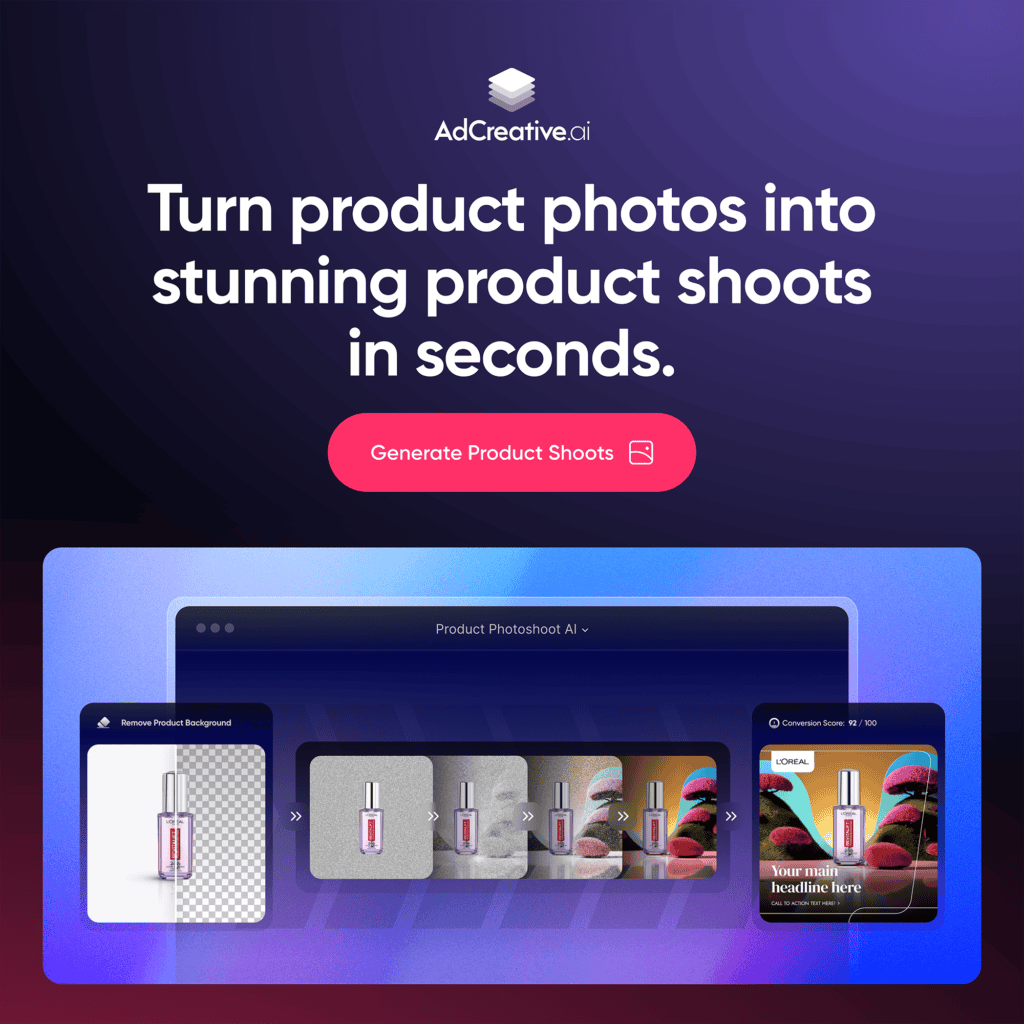
E-Commerce Product-to-Lifestyle Ad Generation
Product photography can be transformed into lifestyle-style shoots without a physical photoshoot useful for catalogue-heavy stores that need fresh imagery on a recurring basis rather than a one-off campaign.
If your account is running on 2-3 tired creatives right now, see AdCreative.ai’s current plans and check the credit allowance against your monthly testing needs before you commit.
How to Create Your First Ad Campaign with AdCreative.ai
Connect your ad account and define goals. Link Meta, Google, or TikTok Ads (where supported) and set the campaign objective traffic, leads, or purchases so the platform generates toward that outcome.
- Input brand, product, and audience info. Upload your logo, brand colours, product photos, and a short description of who you’re targeting. The more specific this input, the more relevant the output tends to be.
- Generate creatives and select top scores. Review the generated batch, sort by creative score, and shortlist a handful across different hooks and formats rather than picking a single “winner” from the score alone.
- Launch, test, and iterate based on performance. Push 3-5 shortlisted creatives live, monitor CTR and cost-per-result over a defined test window, and feed what you learn into the next generation round.
A Small-Scale Example
Independent case studies published by AdCreative.ai describe outcomes such as a fast-food chain testing over 200 images across three months and seeing a large lift in click-through rate, and an ice cream brand generating over 150 creatives per product to drive a measurable increase in location-based clicks increased their click-through-rates by over 200% while reducing workload by testing over 240 images in three months, and Häagen-Dazs generated over 150 creatives per product, increasing “get directions” clicks by 11,000. These are vendor-published results from specific accounts and budgets useful as a directional example of what high-volume creative testing can look like, not a benchmark to expect for every account.
Manual vs. AI-Assisted Ad Creative Workflow
| Step | Manual / Freelancer Workflow | AI-Assisted Workflow (AdCreative.ai-style) |
| Concepting | Brief a designer or write specs yourself | Input brand kit + product photo |
| Variant count | Typically 1-3 creatives per campaign | Dozens of variants generated per batch |
| Platform sizing | Manually resized per placement | Auto-generated in platform specs |
| Copy | Written separately, often by the same person doing design | Generated alongside the creative |
| Turnaround | Days, dependent on designer availability | Minutes to hours |
| Testing decision | Based on instinct or small sample size | Ranked by a creative scoring model |
| Cost driver | Hourly/project design fees | Monthly subscription + credits per download |
Best Practices for Testing AI-Generated Ads
Use this checklist before you launch any batch of AI-generated creatives:
Test at least 3-5 distinct hooks or angles, not just colour/layout variations of the same idea
- Mix formats static, carousel, and short video rather than testing five versions of one format
- Set a defined test budget and time window per creative before judging results
- Don’t crown a single “forever winner” plan to refresh top performers every few weeks as they fatigue
- Pair every creative test with a consistent offer and landing page so you’re isolating the creative variable
- Log results outside the platform (spreadsheet or dashboard) so you can compare across campaigns over time
- Cross-check generated copy against each platform’s ad policies before submitting, since AI-written claims can occasionally trip compliance reviews
Common Mistakes and How to Avoid Them
Ignoring the offer or landing page. A stronger creative can’t fix a weak offer or a slow, confusing landing page fix those first, then let creative testing optimize what’s already converting.
- Testing too few variants to get a real signal. One or two creatives rarely produce a statistically meaningful result; budget for a real test batch.
- Never refreshing creatives. Even a well-scoring ad fatigues over time. Build a recurring refresh cycle into your ad calendar instead of treating creative as a one-time setup task.
- Skipping platform policy checks. AI-generated copy and imagery should still be reviewed against Meta’s and Google’s advertising policies before every launch to reduce the risk of disapprovals.
FAQs
Can AdCreative.ai replace a designer completely? Not entirely for every business. It reduces reliance on a designer for volume creative testing and platform resizing, but brands with highly custom visual identities or complex, multi-element campaigns may still want design input for flagship assets AdCreative.ai can be challenging for handling complex campaigns with multiple variations or targeting options, and businesses needing highly intricate ad setups may find its capabilities somewhat restrictive.
How many ad variants should I test? There’s no universal number, but a practical starting range for small accounts is 3-5 creatives per test cycle across different hooks, spread across enough spend to get a meaningful read before drawing conclusions.
Does it work for B2B and local services? It’s most commonly used by product-based and e-commerce brands, since the tool’s photoshoot and lifestyle-image features rely on a physical product. Service businesses without visual products can still use it for copy and template-based creative, though the fit may be less direct the platform tends to fit product-based businesses more naturally than service businesses without visual products.
What does AdCreative.ai cost for a small business? Pricing has shifted across billing cycles and tiers; starter plans have been reported in the roughly $20-$39/month range depending on billing frequency, with higher tiers required for video and multi-brand features the Starter plan starts at roughly $39/month on monthly billing, dropping to about $29/month on quarterly billing and around $20/month on annual billing. Confirm current pricing directly on the provider’s site before subscribing, since plans and credit allowances change.
Does it integrate directly with my ad accounts? The platform is built to connect with major ad networks and design tools for publishing and workflow purposes AdCreative.ai integrates with platforms including Google, Facebook, and Zapier. Confirm current integration coverage for your specific stack before switching workflows.
Is there a free trial? AdCreative.ai has offered a short free trial with a limited credit allowance in the past, letting you test creative quality before committing to a paid tier AdCreative.ai has offered a 7-day free trial with 10 credits, giving full access to platform features during the trial period. Trial terms change, so verify current details before entering payment information.
Next Steps
Run one product or offer through AdCreative.ai, generate a batch of variants, and shortlist 3-5 creatives to test against your current best performer. Track results for a defined window before deciding whether to scale the workflow across your other campaigns.
Explore AdCreative.ai’s current plans and start with the trial before moving to a paid tier.

Reference links: AdCreative.ai official site · Meta Business Help Center ad specs and guidelines · Google Ads Policies
Affiliate disclosure: This post contains affiliate links. If you sign up through one of them, The AI Outlier may earn a commission at no extra cost to you. We only recommend tools we’ve researched thoroughly.